

You have never used a computer before. Maybe you have used a phone but never a proper keyboard and screen. Maybe you are afraid you are too old, or that it is too complicated, or that it will take years. This guide is for you, and I want to address those fears directly before we begin.
01 Start With the Right Mindset
The most common thing we hear from new students at Anchored Tech is: "I thought I was too old" or "I thought it would take years." In reality, most beginners become functional basic computer users within four to six weeks of consistent learning. The machine is not smarter than you, it just needs you to tell it what to do, and that is a completely learnable skill. Age is not the factor. Consistency is.
02 Week 1 to 2: Hardware and the Desktop
Start with the physical: learn what the parts of a computer are called, how to turn it on and off correctly (yes, this matters, improper shutdown causes problems), how to use a mouse and keyboard, and how to navigate a desktop. This feels slow at first, but it builds the foundation for everything else. Practice typing every day — even 15 minutes of daily touch-typing practice makes a significant measurable difference within two weeks.
03 Week 3 to 4: Files, Folders, and the Internet
Learn how to create, save, move, rename, and delete files and folders. Understand why organising your files matters, it will save you hours later. Then move to the internet: how to open a browser, search effectively on Google, identify whether a source is credible, send and receive professional emails, and use cloud storage like Google Drive. These two weeks unlock the most practical everyday computer use.
04 Month 2: Office Applications
With the basics in place, move to Microsoft Word and Excel. Start with Word, practice creating a simple letter, then a formatted report with headings, page numbers, and a table. Then Excel — data entry, the SUM and AVERAGE formulas, sorting, and basic table formatting. By the end of month two, you will be more capable than the majority of people who describe themselves as having "basic computer skills" on their CV.
We will guide you through every step
Our Computer Fundamentals course follows exactly this progression, structured, practical, and completely free. Available in-person in Gulu or online from anywhere in the world.
Start for Free05 How Long Does It Really Take?
With two to three hours of practice per day: basic usability in 2 weeks, job-ready fundamentals in four to six weeks, competent office skills in two to three months. The single biggest factor is not your age, your prior education, or your background. It is consistent daily practice, showing up every day, making small errors, correcting them, and continuing. That is the entire formula.
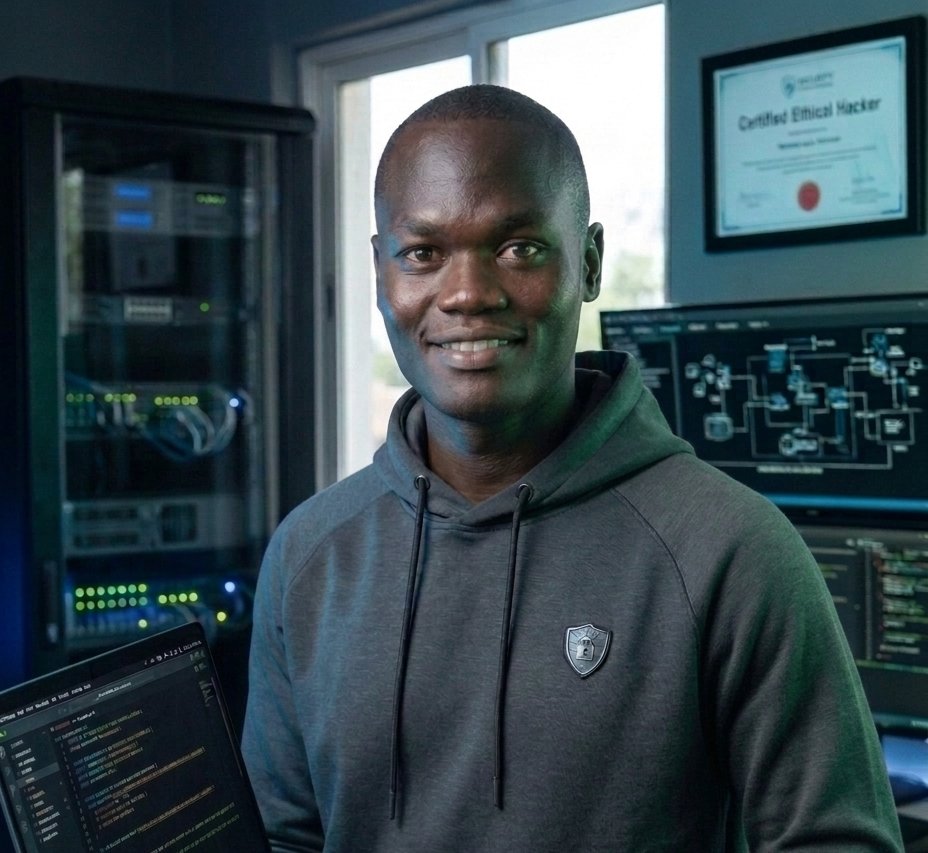
Reagan has over 5 years of professional data annotation experience with global AI companies, and founded Anchored Tech to bring high quality tech training to Northern Uganda and beyond.